


The BISP 8171 NADRA biometric payment process in 2025 helps ensure that financial assistance reaches the real beneficiary, not a middleman. Payments become more secure because identity confirmation now relies heavily on CNIC verification and biometric fingerprint matching. For many families, this adds confidence and transparency, but it can also raise questions like how to check status, how online registration works, and what to do when fingerprint verification fails.
This complete guide explains how beneficiaries use the 8171 system to check CNIC status, how NADRA linked biometrics support payment security, how to complete registration using online steps, and how to solve common biometric or verification issues so your payment stays smooth and uninterrupted.
 WhatsApp Channel
What NADRA Biometric Payment Means for BISP in 2025
Biometric payment means your identity is verified through fingerprints before money is released. NADRA plays a key role because its identity system supports accurate authentication, ensuring the payment is collected by the correct person.
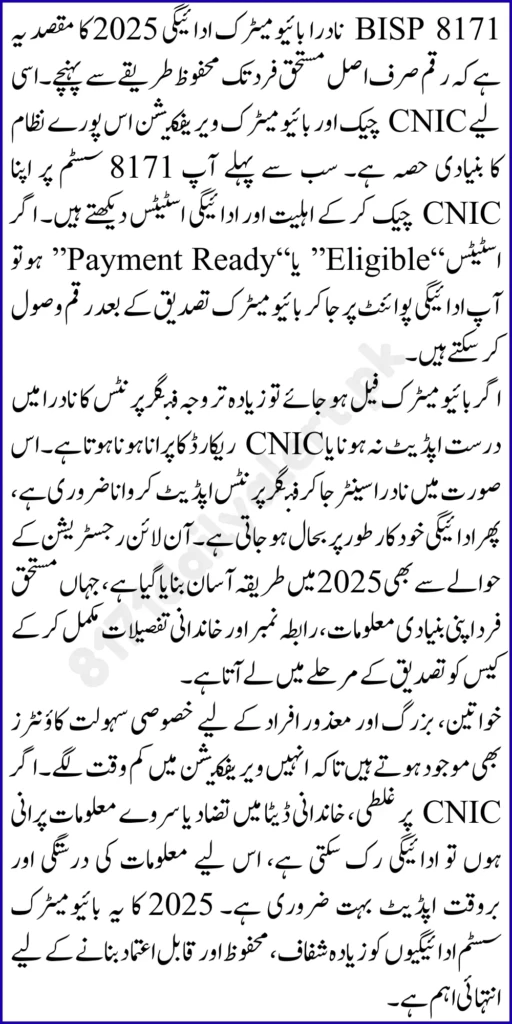
In practical terms, NADRA biometric verification helps:
- Prevent fraud and fake withdrawals
- Protect beneficiaries from impersonation
- Reduce duplicate or incorrect payment claims
- Confirm the beneficiary is physically present
- Strengthen accountability at payment points
This system is especially useful in areas where beneficiaries previously faced issues like deductions or unauthorized handling.
Who Uses BISP 8171 Biometric Payment and Why It Matters
Biometric verification is part of the payment flow for many beneficiaries under Benazir Kafaalat and other support streams. You typically go through biometric confirmation when collecting money from approved payment points, shops, or supported withdrawal channels.
It matters because it ensures:
- Your 13,500 payment reaches you directly
- Your record stays protected from misuse
- Complaints become easier to verify and resolve
- Payment distribution remains fair across districts
For eligible families, biometrics become a security lock that safeguards their right.
How to Check CNIC Status for Biometric Payment Using 8171
Before visiting a payment point, checking your CNIC status is the smartest step. It prevents wasted visits and clarifies whether verification or survey updates are needed.
SMS CNIC Check
- Open Messages on your phone
- Type your 13 digit CNIC without spaces
- Send it to 8171
- Read the status reply
Online Status Check
If online access is available, you can check your status through the official tracking method that requests your CNIC and basic details.
Common results include:
- Eligible and payment ready
- Payment pending
- Verification required
- Survey required
- Not eligible
Your next step depends on the message you receive.
How Online Registration Works in the Latest Method
Many people search for online registration because it feels easier, but registration still requires accurate verification. Online steps commonly help with status checking, initial guidance, and understanding whether you need to visit the Tehsil Office for survey entry.
For most beneficiaries, the latest registration approach includes:
- Checking CNIC status through 8171
- Visiting the Tehsil Office if survey or registration is required
- Completing the dynamic survey to create or update household record
- Final eligibility decision after assessment
- Payment collection through biometric verification once approved
So even when online tools guide you, record completion and verification remain essential.
Documents You Need for Biometric Payment and Registration
Keeping documents ready reduces delays and helps staff resolve issues quickly.
Bring:
- Original CNIC of the beneficiary
- Active mobile number for official messages
- Children’s B forms if household update is needed
- Disability certificate if applicable
- Widow certificate if applicable
- Any survey slip or verification note if provided
If your CNIC is expired, renew it first because expired CNIC often blocks biometric transactions.
Step by Step Process to Receive BISP Biometric Payment
Once your CNIC status shows eligible and payment ready, follow these steps:
- Visit the approved payment point
- Provide your CNIC for record lookup
- Confirm your details if shown on the device
- Place your thumb or finger on the biometric scanner
- Wait for verification confirmation
- Receive your payment in full
- Count cash immediately and keep proof of transaction
Always avoid handing your CNIC to unknown people outside payment points.
Comparison of Verification Methods
BISP uses different verification methods to confirm identity and eligibility. Understanding them helps you choose the right solution when stuck.
| Verification Method | Purpose |
|---|---|
| CNIC Verification | Confirms identity and active beneficiary record |
| NADRA Biometric Verification | Confirms fingerprint match before payment release |
| SMS 8171 Status Check | Confirms eligibility and payment readiness quickly |
| Dynamic Survey Verification | Updates household data and eligibility scoring |
| Tehsil Office Manual Review | Fixes mismatched data, duplicates, and blocked cases |
Common Biometric Problems and How to Fix Them
Biometric issues are common, especially for elderly people or those with worn fingerprints. The good news is that most problems have practical fixes.
Fingerprint Mismatch
Possible reasons include dry skin, cuts, or device sensitivity.
Fixes:
- Wash hands and dry properly
- Try another finger if allowed
- Use a different scanner at another payment point
- Avoid lotion right before scanning if it causes slipping
- Seek official help if mismatch persists
CNIC and Record Mismatch
If CNIC data does not match the record, verification can fail.
Fixes:
- Confirm your CNIC is valid and renewed
- Update record details through official correction process
- Recheck status after updates through 8171
Survey Not Updated
Sometimes biometric works but payment does not release because survey is outdated.
Fixes:
- Complete the dynamic survey update at Tehsil Office
- Ensure family members and address details are correct
- Recheck status after the update
Device or Network Issues
Even correct biometrics can fail due to technical issues.
Fixes:
- Try again after a short break
- Visit another payment point
- Avoid peak hours if systems slow down
These steps keep your payment process smooth.
Safety Tips for NADRA Linked Biometric Payments
Because beneficiaries handle sensitive identity information, safety matters.
Follow these rules:
- Only use official channels for verification
- Never share your fingerprint data with unauthorized people
- Do not trust anyone asking for CNIC photos and codes
- Count cash at the counter before leaving
- Collect receipts or confirmation proof
- Report deductions immediately through official complaint routes
Your identity and payment must remain protected.
How to Keep Your Payment Active Without Interruptions
In 2025, maintaining eligibility depends on keeping records current.
Best practices:
- Renew CNIC before expiration
- Keep your mobile number active
- Update survey when your household changes
- Avoid duplicate registrations in the same household
- Check status regularly through 8171 CNIC check
These steps reduce the risk of sudden payment blocks.
Final Words
The BISP 8171 NADRA biometric payment process in 2025 focuses on security, transparency, and fairness. When you check your CNIC status through 8171, keep your records updated, and complete biometric verification correctly, you make sure your assistance reaches you without interference. If you face fingerprint mismatch or verification issues, simple fixes like using a better scanner, updating your CNIC, or completing the survey can restore your payment quickly. Stay cautious, avoid unofficial agents, and rely on official verification steps to protect your support.
FAQs
1. How do I check my CNIC for BISP biometric payment?
Send your 13 digit CNIC to 8171 and read the status reply.
2. Is online registration enough to join BISP?
Online methods help with guidance and status checks, but registration usually requires survey completion and verification.
3. Why does biometric verification fail even when I am eligible?
Fingerprint mismatch, device issues, or data mismatch can cause failure. Retry or update records if needed.
4. What should I do if my CNIC is expired?
Renew your CNIC first, then check status again through 8171 before attempting payment.
5. Can someone else collect my payment using my CNIC?
No, biometric verification requires your fingerprint, which protects you from impersonation.
6. What if I receive less than the full payment after biometric verification?
Ask for proof, collect a receipt, and report the deduction immediately through official complaint channels.
7. How can I avoid scams related to biometric payments?
Only use official payment points, do not share CNIC photos or codes, and never pay fees for payment release.